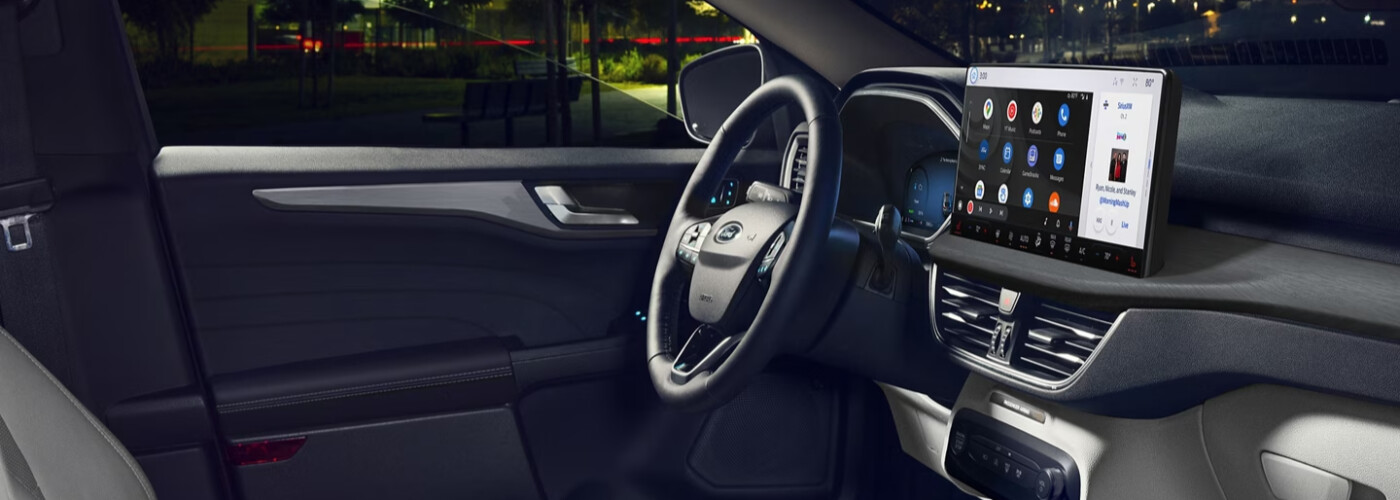
Ford Spring Hill is proud to be your go-to guide to the local area. We’ll service your vehicle to ensure it performs at its best, find the new Ford vehicle best suited for you, and teach you how to set up your current technology features, like wireless Apple CarPlay®. If you are struggling and would like to know how to connect Apple CarPlay®, feel free to contact the Ford Spring Hill service center.
For Port Richey drivers who are unfamiliar, Apple CarPlay® helps take your driving experience to new heights. This feature allows a driver to connect their iPhone to the vehicle so they can get turn-by-turn directions, make phone calls, listen to music, or send and receive text messages without having to take their eyes off the road or their hands off the steering wheel. Stay focused on the Hudson roads and read on to see how to connect Apple CarPlay® in your vehicle!
Ready to get started using these features on your Port Richey drives? Here are our step-by-step instructions on how to connect Apple CarPlay®:
Now that you know how to set up Apple CarPlay®, it’s crucial to stay updated with the latest features. Let’s explore how to keep your wireless Apple CarPlay® system up to date to ensure you can enjoy all the newest functionalities on your Brooksville drives.
For additional questions about wireless Apple CarPlay® or to simply set it up, give us a call today at 352-675-2225. We’re here to help make sure you’re getting full use of your incredible Ford technology. Plus, our service center offers a rotating selection of specials to help you save on important maintenance.
Florida families looking for an SUV that can handle daily commutes, family transportation, and road trips should explore the 2026 Ford Explorer at Ford Springhill. This versatile SUV offers the perfect blend of comfort, technology, and capability. Whether you’re navigating the streets of Spring Hill or heading out on a cross-state adventure, the Ford Explorer…
Choosing the right pickup can significantly impact your lifestyle, especially when considering the everyday needs of Spring Hill drivers. At Ford Springhill, we specialize in helping you find the perfect vehicle. This guide compares the Ford Maverick and Ranger to determine which Ford truck best suits your commuting, hauling, and recreational requirements.] Comfort and Utility:…
When the back-to-school season approaches, it’s the perfect time for Ford truck and SUV owners in Spring Hill to consider pre-fall vehicle maintenance. At Ford Springhill, we know how critical it is to ensure your vehicle is in top shape for the busy school year ahead. This piece will guide you through essential maintenance tips…